Tell
Describe the job by typing or speaking
Customers share the job and photos. Mason organizes the details, uses your prices, gives the right quote or next step, and follows up when they go quiet.
Join the waitlistCustomers open your link, describe the work by typing or speaking, and answer only the questions that fit that job. No app to install and no long generic form.
Describe the job by typing or speaking
Name, address, and job choices
Only the views and measurements this job needs
Review the answers and photos
Quote, price range, your review, or an on-site look
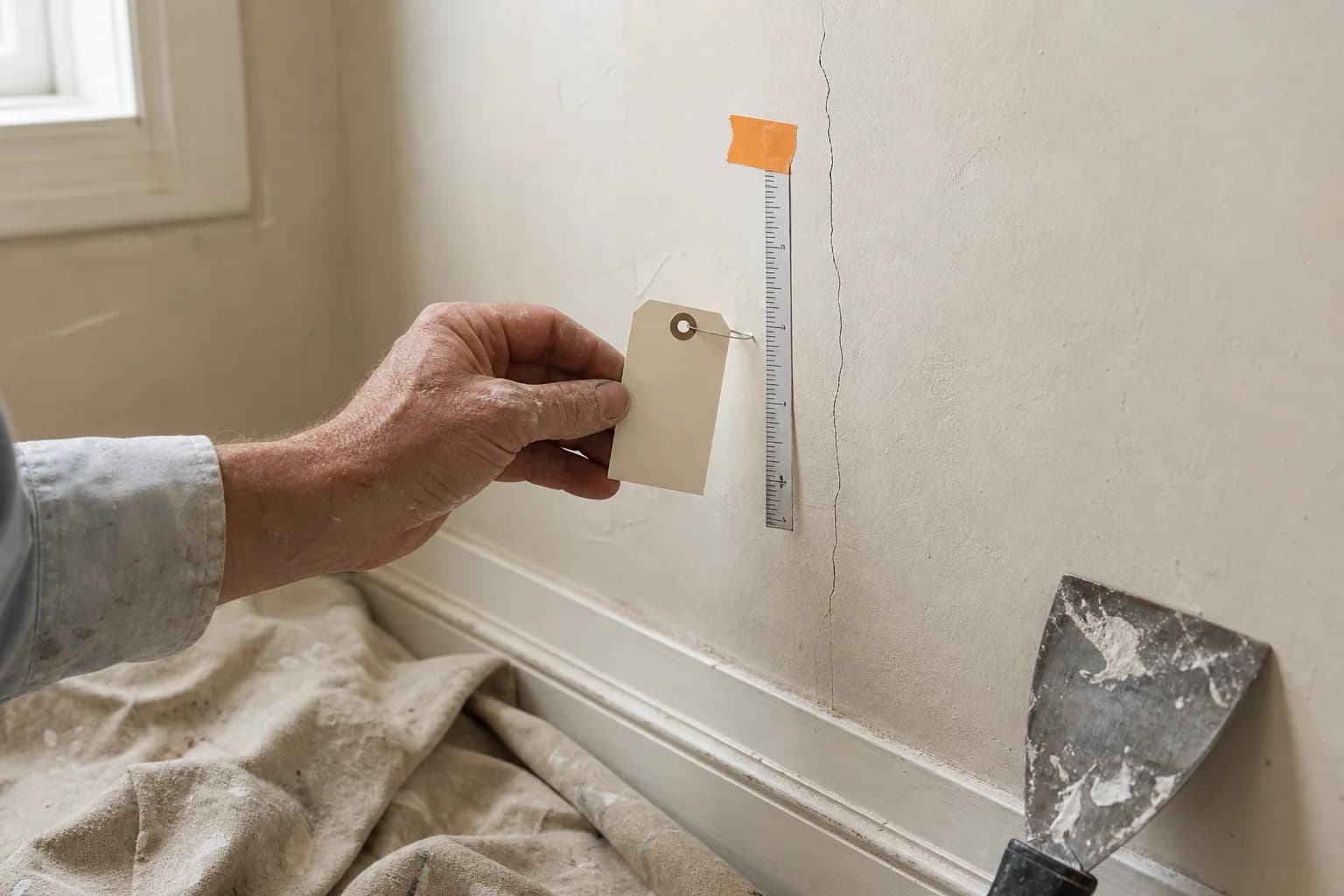
Mason asks for the full work area, the close-up that affects the price, and a safe view of access. If a photo is missing or blurry, the customer gets one clear request for a better one.
Add your rate sheet or price book. Mason finds your services, you check them once, and each customer gets questions and photos that fit their job. Safety instructions always stay in place.
Show the fence line, gates, slope, corners, and crew access.
Show the work area, ground, slope, and access.
Show each surface, its current finish, and any damage.
Show the full pile, heavy items, and the path to the truck.
Show the area, edges, slope, access, and anything being removed.
Show the roof from the ground and any safe inside views. Never climb.
Show the equipment labels, thermostat, units, and access.
Show the fixture, connections, shutoff, and visible problem.
Show the work area and closed panel label. Never open a panel.
You can always choose a more careful next step. Mason never skips a safety instruction or makes up a missing price.
For straightforward work with clear photos, measurements, and a price you already set.
When the job is clear enough to give a useful low and high price, but not one exact number.
When the price depends on a detail only you can judge. You get the photos and job details before you call.
When diagnosis, safety, or hidden work means someone needs to see the job in person.
Define real material or job differences for each service. ScopeMason builds every option from the customer's job details and the prices you already use.
Hearthland Fence Co.
Illustrative quote
Better option
Cedar privacy
$4,860
Good
$4,120
Better
$4,860
Best
$6,340
Mason already has the quote, photos, and customer details. On Pro and Unlimited, Mason follows up by email, points out possible add-on work, and shows you the few customers who need your help.
Mason starts automatically on new quotes that are ready for follow-up, answers simple questions from the quote, and uses only offers you allowed. Mason stops when the customer opts out, says no, the quote expires, or you take over.
Mason can spot clearly visible add-on work in customer photos. Mason uses only the services and prices you approved; anything unclear waits for your review.
Mason’s Sales Desk shows jobs won after follow-up, customers waiting for you, active conversations, and add-on suggestions from photos.
Mason runs without a daily approval queue. You can still read every email, reply yourself, stop follow-up, or hand the conversation back to Mason.
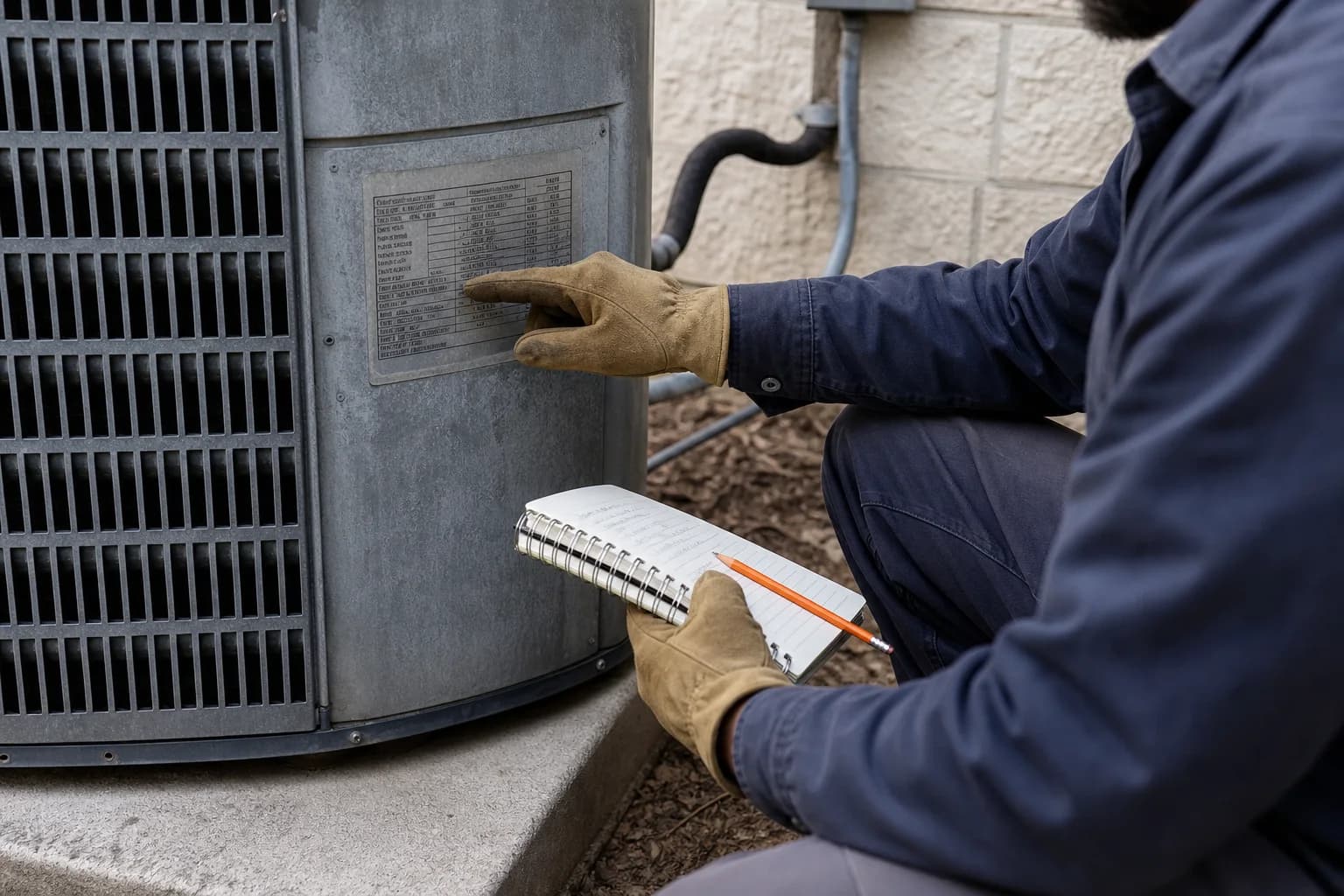
The quote is saved, the customer gets a clear receipt, and your team gets an email. You contact the customer to confirm the date, permits, and final job details. Nothing is placed on your calendar automatically.
Join the waitlist